Overview
This section is for engine developers and contributors who want to work on the core of Untold Engine.
It assumes familiarity with engine concepts and systems programming.
What You’ll Work On
In this section, you’ll learn about:
- The engine architecture
- The ECS design
- Rendering systems
- Simulation and update flow
- Platform-specific layers
This is where the core behavior of Untold Engine lives.
Installing the Engine for Development
Engine development requires installing Untold Engine via the command line and working from source.
Detailed installation steps are provided here:
- Clone the Repository
git clone https://github.com/untoldengine/UntoldEngine
cd UntoldEngine
open Package.swift
How to Run
- Select the DemoGame scheme.
- Download the Demo Game Assets v1.0 and place them in your Desktop folder.
- Set the Scheme to Demo Game. Then set My Mac as the target device and hit Run.
- Use WASD keys to move the player around.
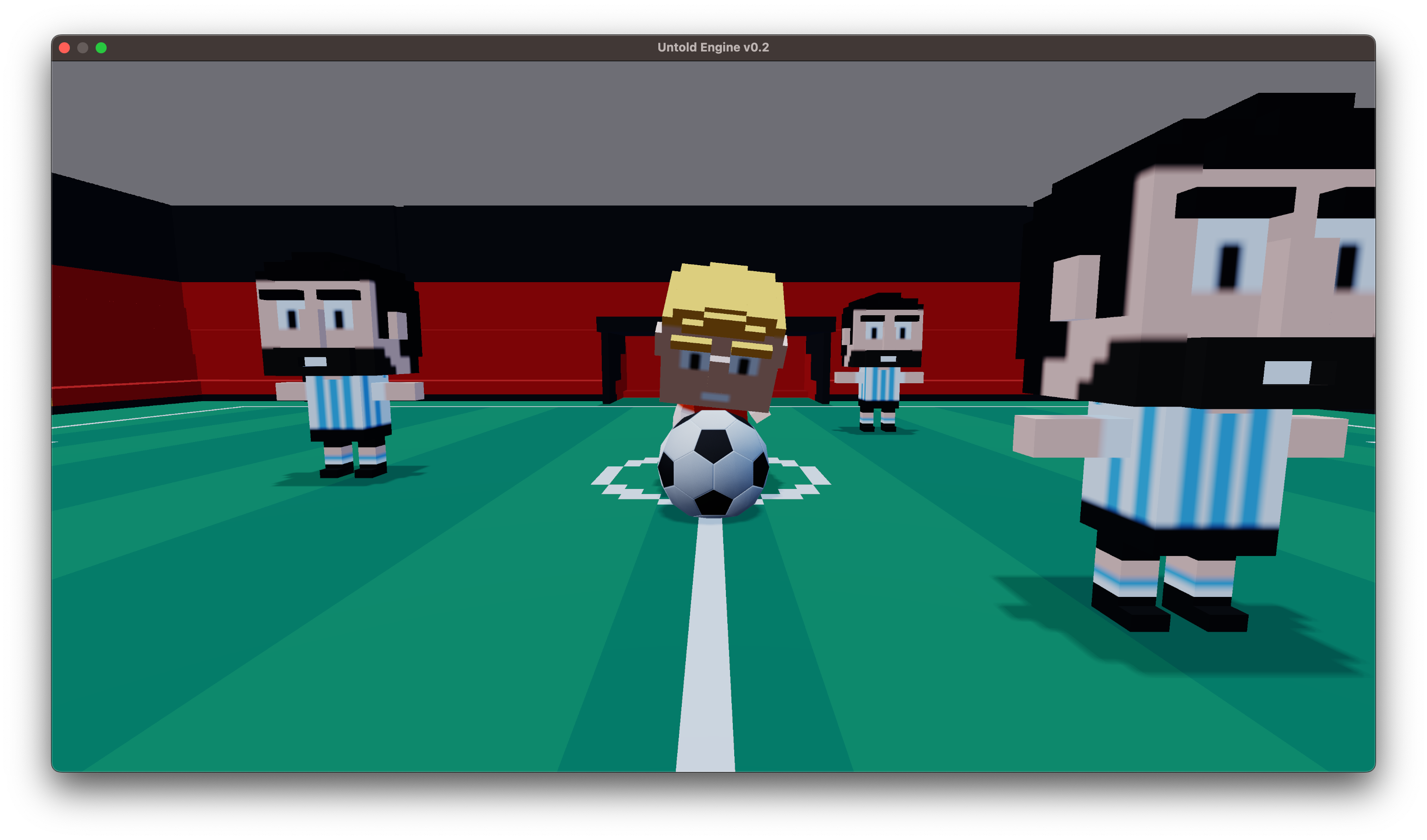
You do not need Untold Engine Studio to work on the engine itself.
Engine Architecture
Untold Engine is built around:
- A clear ECS model
- Explicit system update order
- Minimal hidden state
- Platform-specific rendering backends
The architecture favors clarity over abstraction.
A high-level breakdown is provided in:
Engine Development → Architecture
Rendering and Systems
Rendering, physics, and other systems are implemented as:
- Independent modules
- Explicit update stages
- Predictable data flow
Rendering is designed to expose low-level control while remaining approachable.
Who This Section Is Not For
This section is not intended for:
- Game developers writing gameplay scripts
- Users who only want to use the editor
- Beginners to engine development
If you want to make a game, see:
Game Development → Overview